Shop online with cashback — TopCashBack


If you don’t have a TopCashBack account you can register from my refferal links:
(Europe) TopCashBack.co.uk / (USA) TopCashBack.com
This tutorial shows you how to use TopCashBack without the Chrome add-on. If you want to see how to install and use the Cashback Notifier Add-on for easier and faster shopping with cashback, you can check my article Easy cashback using TopCashBack’s Cashback Notifier when shopping online.
Let’s start!
- Go to TopCashBack’s home page.
2. Make sure you whitelist TopCashBack if an alert from your Ad Blocker appears. If you don’t do that, then the Ad Blocker might prevent TopCashBack from tracking your orders!

Allow cashback tracking.

Confirm you want to whitelist topcashback so that Adblocker does not prevent you from tracking your orders.
3. Search for the online retailer you would like to shop from.
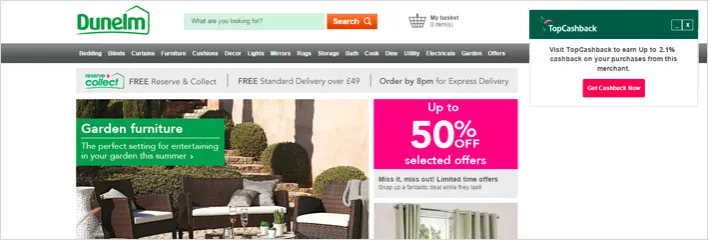
4. Open the retailer’s page.
5. Select ‘Get Cashback Now’.
Get Nikolay Vasilev’s stories in your inbox
Join Medium for free to get updates from this writer.
6. Wait to be redirected to the retailer’s webpage.
7. Make sure that TopCashBack has recoreded your visit to that website. If you return to TopCashBack you should see this:
8. Shop as normal!
After TopCashBack has recorded your visit to the retailer’s website, it will record the orders you make to your account.
After placing an order you can see your pending cashback in your account in TopCashBack.
Go to Account -> Earnings
Here is what a successfully placed order looks like:
Now you can be sure that you will get your cashback.
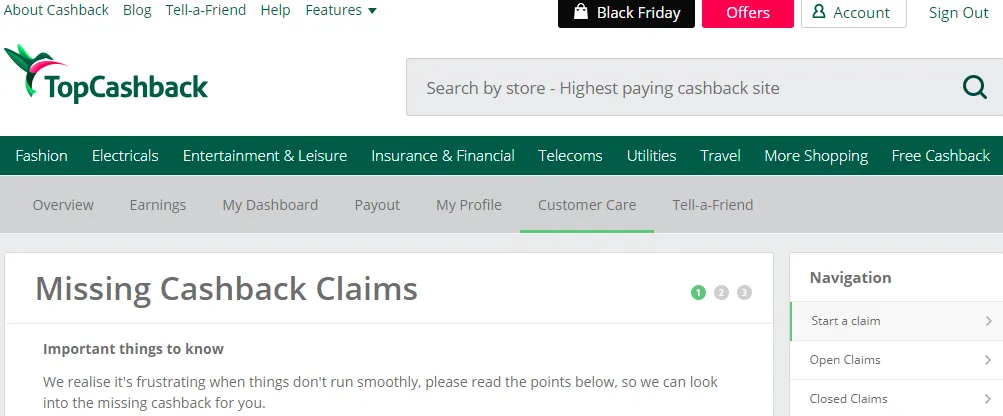
Do not panic if that does not happen immediately. Wait for 2–7 days and if the order does not appear in your account you can submit a missing cashback claim. See my other article on this topic: How to manage untracked cashback — TopCashBack (Missing CashBack Claim)
You can register using these refferal links, which will help me out a ton :)
(Europe) TopCashBack.co.uk / (USA) TopCashBack.com
Note: You do not have to use the refferal links from this post, however I would be greatful if you do :)